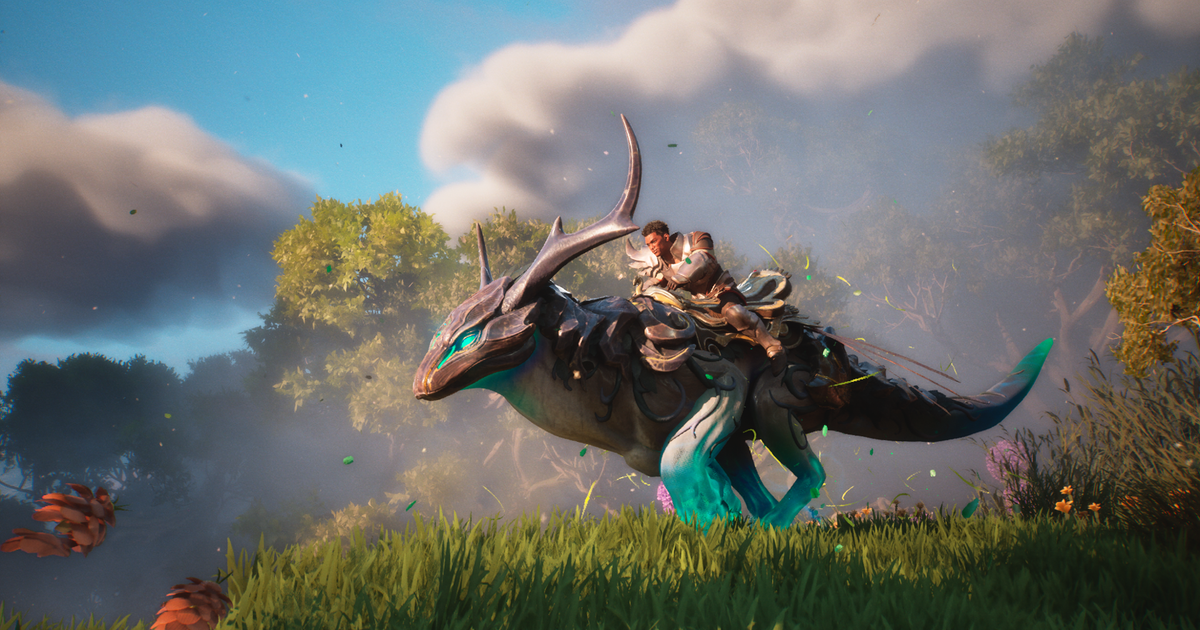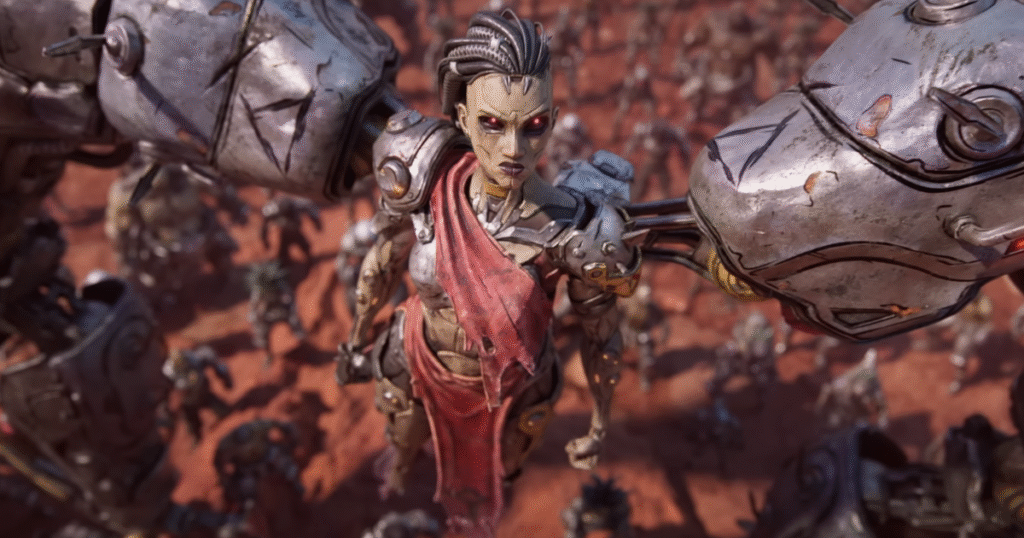
Borderlands 4 releases on 12th September, and just in time developer Gearbox has revealed the PC hardware specs you’ll need to run the game at a decent or intended level – essentially the minimum and recommended PC specs.
Gearbox says that the minimum hardware requirements will let you run the game with solid performance on older PCs, while the recommended specs will let you play Borderlands 4 with high performance and graphical detail the studio set out to deliver.
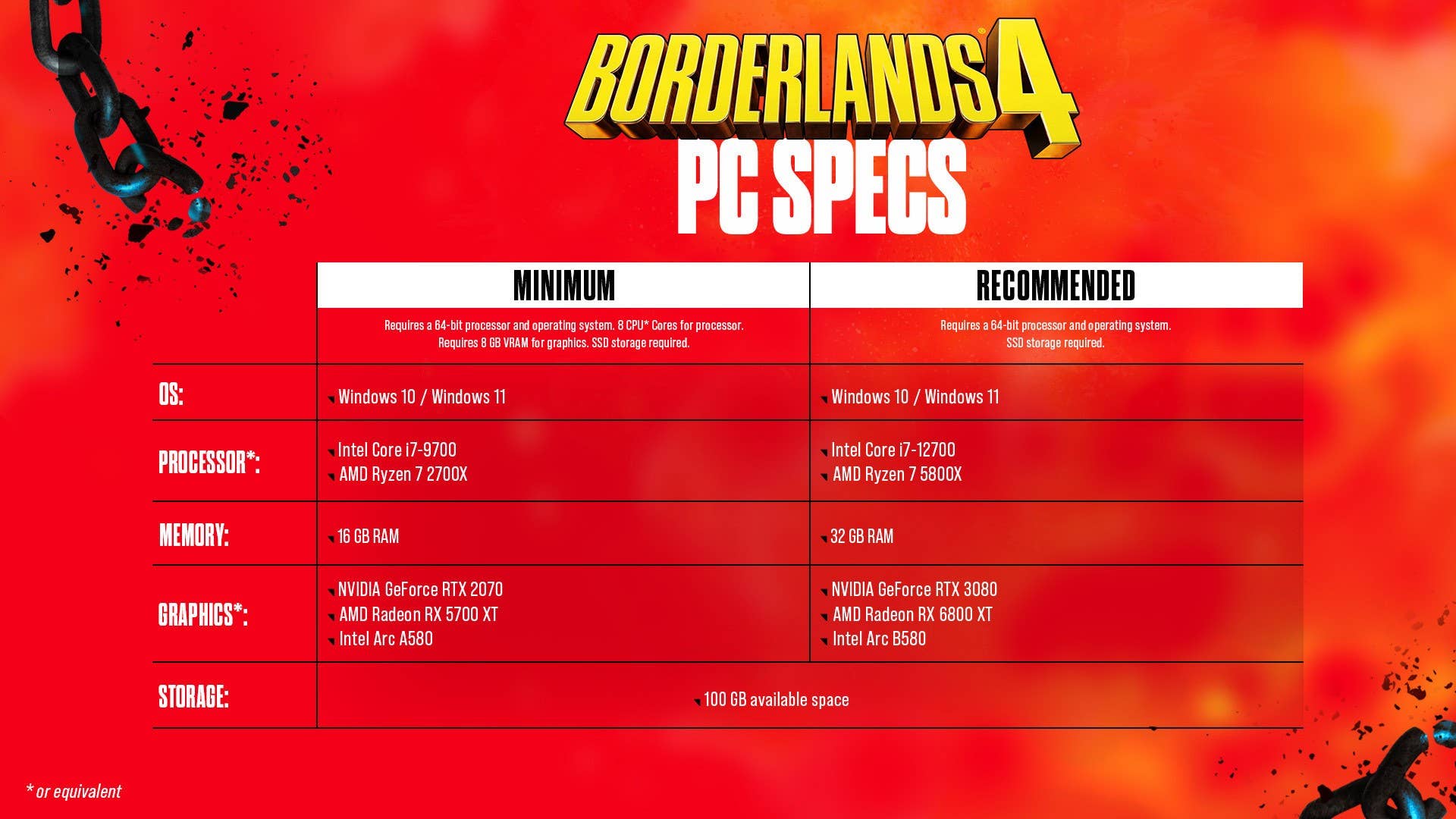
Borderlands 4 PC Specs
Borderlands 4 Minimum PC Hardware requirements:
- Requires a 64-bit processor and operating system
- Requires SSD
- OS: Windows 10 / 11
- Processor: Intel Core i7-9700 / AMD Ryzen 7 2700X
- Memory: 16 GB RAM
- Graphics: NVIDIA GeForce RTX 2070 / AMD Radeon RX 5700 XT / Intel Arc A580
- Requires 8 CPU Cores for processor and 8 GB VRAM for graphics.
- Storage: 100 GB available space
Borderlands 4 Recommended PC Hardware requirements:
- Requires a 64-bit processor and operating system
- Requires SSD
- OS: Windows 10 / Windows 11
- Processor: Intel Core i7-12700 / AMD Ryzen 7 5800X
- Memory: 32 GB RAM
- Graphics: NVIDIA GeForce RTX 3080 / AMD Radeon RX 6800 XT / Intel Arc B580
- Storage: 100 GB available space
Borderlands 4 PC graphics settings:
Basic:
- Display Mode: Fullscreen, Windowed Fullscreen, Windowed
- Resolution (Varies by setup)
- Display Stats: None, FPS, All
- Limit Frame Rate: Off, On
- Custom FPS Limit (Varies by setup)
- Vertical Sync: Off, On
- Field of View (ultrawide monitors supported)
- Vehicle Field of View (ultrawide monitors supported)
Advanced:
- Graphics Preset: Low, Medium, High, Very High, Badass
- Anti-Aliasing: Disabled, Enabled
- Resolution Scaling
- Upscaling Method: Disabled, DLSS, FSR, TSR, XeSS
- Upscaling Quality: Ultra Performance, Performance, Balanced, Quality, Full Resolution
- Spatial Upscaling Quality: Performance, Balanced, Quality, Ultra Quality, Disabled
- Scene Capture Quality: Low, High, Full Resolution
- Frame Generation: Off, On
- NVIDIA Reflex Low Latency: Off, On, Boost
Environment:
- HLOD Loading Range: Near, Medium, Far
- Geometry Quality: Low, Medium, High
- Texture Quality: Low, Medium, High, Very High
- Textures Streaming Speed: Medium, High, Very High
- Anisotropic Filtering Quality: Off, x1, x2, x4, x8, x16
- Foliage Density: Off, Very Low, Low, Medium, High, Very High
- Volumetric Fog: Low, Medium, High, Very High
- Volumetric Cloud: Low, Medium, High, Very High
- Shadow Quality: Low, Medium, High, Very High
- Directional Shadow Quality: Low, Medium, High, Very High
- Volumetric Cloud Shadows: Disabled, Enabled
- Lighting Quality: Low, Medium, High, Very High
- Reflections Quality: Low, Medium, High, Very High
- Shading Quality: Low, Medium, High
Post-Processing:
- Post-Process Quality: Low, Medium, High, Very High
- Motion Blur Amount
- Motion Blur Quality: Off, Low, Medium, High, Very High
Borderlands 4’s accessibility features have also been detailed by Gearbox, as listed below:
Borderlands 4 accessibility features:
Subtitles:
- Show Subtitles: Off, On
- Subtitle Text Size: Normal, Large, Extra Large
- Force Bold Text: Off, On
- Subtitle Color: White, Orange, Yellow, Pink, Light Blue, Green
- Subtitle Background: Off, On
- Subtitle Background Opacity: Off, Low, Medium, High, Full
Speaker Identity:
- Toggle Speaker Identify: Off, On
- Speaker Identify Color: White, Orange, Yellow, Pink, Light Blue, Green
Audio & Visuals:
- Menu Text Scaling: Off, Size 1, Size 2
- Damage Numbers: Off, On
- Force Mono (converts all game audio to mono): Off, On
- Mix Preset: Bass Reduction (Vestibular), Ear Fatigue Reduction, Hyperacusis Relief, Misophonia Relief, Sensory Comfort, Tinnitus Relief General, Tinnitus Relief Targeted, 80 Hz Notch
- Color Preset (accessibility settings for different types of color vision deficiency):
- Default
- Green/Red (recommended for those that experience Deuteranopia)
- Red/Green (recommended for those that experience Protanopia)
- Blue/Yellow (may help those that experience Tritanopia)
- High Contrast HUD: Off, On
- High Contrast Reticle: Off, On
- Friendly Reticle Color: Green, White/Blue, Red, Blue, Orange, Purple
- Enemy Reticle Color: Green, White/Blue, Red, Blue, Orange, Purple
- Neutral Reticle Color: Green, White/Blue, Red, Blue, Orange, Purple
Gameplay:
- Map Zoom Speed (Adjust how quickly the Map zooms in and out)
- Enable Vibration: Off, On
- Enable Adaptive Triggers: Off, On
- Screen Shake Intensity
- Toggle Crouch: Off, On
- Toggle Sprint: Off, On
- Enable Dash: Off, On
- Camera Head-bob
- Grapple View Tilt: Off, On
- Mantle with Forward: Off, On
In addition to the above, Borderlands 4 also offers a number of options that may make the game more accessible to some players:
- Difficulty (set when creating a new character, scales individually in co-op parties):
- Easy: “Looking for a story.” Reduced damage, Elemental Affinities matter less
- Normal: “Looking for a balanced experience.”
- Hard: “Looking for a challenge.” Increased damage taken, increased Cash, Loot Quality is increased, Elemental Affinities matter more
- Saving: The game autosaves at checkpoints and key moments, or whenever you quit the game via the pause menu.
- Full keyboard and controller remapping
- Audio:
- Main Volume Controls:
- Master Volume
- Music Volume
- Sound Effects Volume
- Dialog Volume
- Main Audio Settings:
- Audio Preset: Hi Fi, Balanced, Compressed, Quiet Time, Colorful Realism, Voice Focus
- Music (Trim options allow you to fine-tune SFX categories, but not completely mute them. You can use these in combination with the main volume sliders):
- Menu Music Volume
- Game Music Volume
- Cinematic Music Volume
- Boss Music Trim
- Sound Effects:
- Player Weapons Trim
- Explosions Trim
- User Interface Trim
- Outgoing Damage Trim
- Incoming Damage Trim
- Mute Hit Marker: Off, On
- Dialog:
- Player Voice Volume
- Player Efforts Trim
- Player Callouts Trim
- Player Idle Lines Trim
- Combat Voice Volume
- Claptrap?