Ever since they started coming out on PC, the Forza Horizon games have been some of the best PC ports around, which is a huge reason why I use them whenever I test any kind of hardware. Despite the excellent visuals that this series has given us time and time again, the games scale exceptionally well across all kinds of hardware.
Forza Horizon 6 continues this tradition. This is a game that looks incredibly good on high-end hardware, while still running quite well on low-end GPUs and handhelds. And even though most people should have no problem running this game on their PCs, I really wanted to take the chance to tweak with the settings to maximise performance while still making the game look as good as possible.
To do this, I ran the game on an RTX 5070 – a mid-range GPU – with the goal of running at 4K without ever really dropping below 60 fps. And, while the 5070 has trouble absolutely maxing out this game at a high resolution, it has plenty of room to stretch its legs, as long as you’re mindful of your VRAM budget. Because unlike a lot of games, Forza Horizon 6 will straight up turn off settings like DLSS if you run out of VRAM.

Another Great PC Game
Forza Horizon 6 appears to be running on an upgraded version of the same ForzaTech engine as pretty much every Forza game for the last decade. And, in a lot of ways, the game looks very similar to Forza Horizon 5, just with more robust ray tracing and upscaling options.
And, sure, that’s a bit disappointing if anyone was wishing for some true next-gen racing here, but what it means is that Playground Games had a much easier time optimizing it for lower-end hardware. So while, yeah, there are some details in the environment that don’t look great, like aliasing in power wires or the PS3-esque character models, that’s worth the trade off for awesome performance, especially in a game all about going fast.
However, there are some pitfalls that Forza runs into that are a little too familiar to other games this year. For instance, some of the ray traced reflections are a bit noisy, particularly on any car that’s painted white, or another light color. I’ve also noticed some upscaling artifacts around some elements of my car, though the extremity of this varies from vehicle to vehicle.
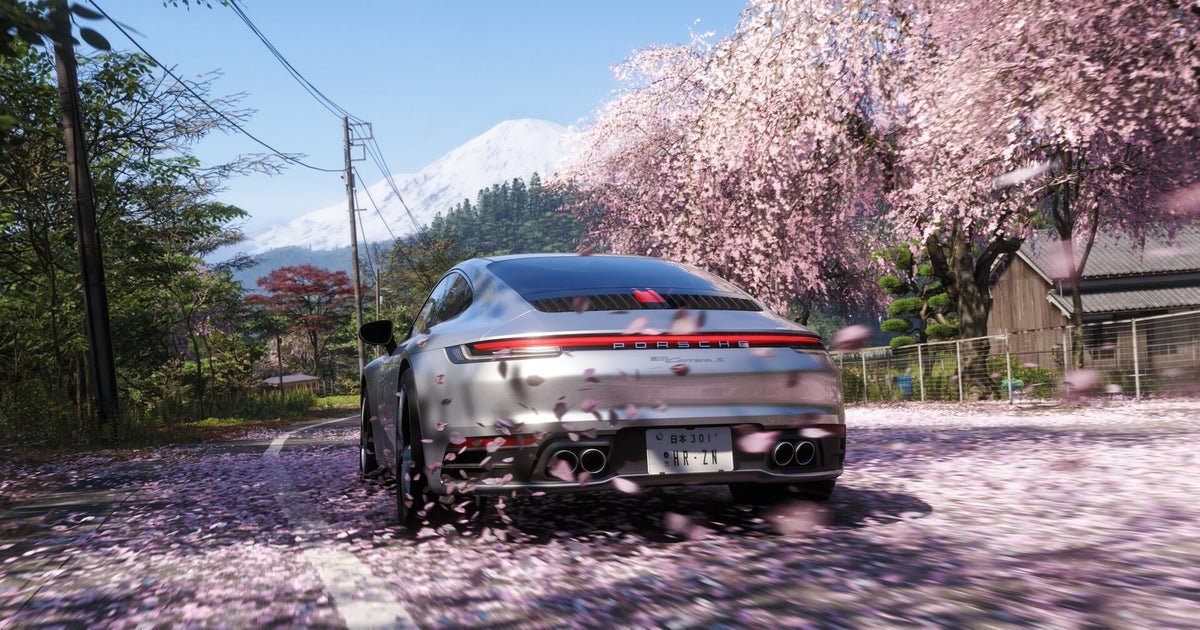
But what really matters for Forza’s Horizon 6’s visuals is how good the cars look. And, well, just like with Forza Motorsport 3 and Horizon 5, the cars look amazing. Everything else is kind of secondary anyways. Most of the time, you’re going to be blazing through environments at a hundred miles an hour, so if there are some blemishes, you’re not going to notice them anyways. That’s kind of the magic of racing games in the first place, and why this kind of game is typically much more photorealistic than any genre where going fast isn’t the whole point.
Maybe they should make a photo-real Sonic game. Just saying.
Best Settings For Forza Horizon 6
When I was sitting down to find the right settings for Forza Horizon 6, I had one clear goal: my car needs to look as good as possible. Luckily, there are plenty of graphics settings in the game that separate car detail from the rest of the game. This is especially helpful on a handheld like the Xbox Ally X, because with the lack of strong performance, being able to target the horsepower really helps squeeze out a few extra frames.
On PC, I tuned Forza Horizon 5 to run as well as possible on the RTX 5070 at 4K. My goal there was to get good enough performance so that it always runs at 60 fps. I also wanted to make sure there is enough buffer so that when you go through an unexpected puddle, you don’t dip below that 60 fps threshold.
For most people, if you just want a good ‘set it and forget it’ preset, the High + RT preset will get you a solid 60-70 fps at 4K without DLSS. However, the game looks a bit more flat than it should, particularly when it comes to reflections and detail on the cars themselves. However, the next preset up, Ultra + RT, will drop the RTX 5070 to about 43 fps. That’s not great, but it’s a good starting point.
In the video menu, I won’t be changing much. Resolution is set to 3840 x 2160, and while I prefer an unlocked frame rate, you can set the limit however you want here. Just make sure to set Vertical Synchronization to ‘Off’ if you want to unlock your frame rate.
The most important thing to change in this menu is the upscaling. If you’re on an AMD GPU, you can enable FSR 3.1.5, while Intel GPU users can enable XeSS. For Nvidia users, the game also supports pretty much every DLSS feature under the sun. As a general rule of thumb, I recommend upscaling at the ‘Quality’ preset for 1080p, ‘Balanced’ for 1440p, and ‘Performance’ for 4K. However, because Forza Horizon 5 runs as good as it does, I set DLSS to ‘Balanced’ for the RTX 5070.
You can also change your FoV for all your different camera views here, but that doesn’t really affect performance. So, feel free to set that as wide or as narrow as your little heart desires.
All of the more nitty-gritty graphics settings are in the ‘Graphics & Performance’ tab, and I’ll break down roughly what each one does, as well as what I’d recommend for both a mid-range GPU like the RTX 5070 and for a handheld like the Xbox Ally X or the Steam Deck.
Car Level of Detail
This changes the model detail and mesh quality for all the cars in the game. This can affect your VRAM usage, so I’d lower it if you’re starting to stutter. But, this is Forza and the cars are super important, so I’d turn down the other level of detail options before I touch this one.
Mid-Range PC: Ultra
Handheld: High
Environment Texture Quality
This one is pretty straightforward, and just changes the resolution of environmental textures. Because the RTX 5070 only has 12GB of RAM, and we want to enable DLSS to boost our frame rate, I’d lower this down to High. It doesn’t make that much of a difference, and it’ll give the upscaling algorithm some memory to work with.
Mid-Range PC: High
Handheld: High
Environment Geometry Quality
This simply changes the mesh quality for all the objects in the environment. I’d leave this higher, especially because you’re going to be spending a significant amount of time chasing down mascots to smash with your car, but this is unfortunately tied to texture quality.
Mid-range PC: High
Handheld: High
Car Reflection Quality
Another straightforward one! This just changes the quality of reflections on the interior and exterior of your car. These are the most noticeable reflections in the game, and this setting does a lot to boost the game’s presentation. However, it is very heavy on your GPU, so cut this if you’re struggling to get good performance.
Mid-range PC: High
Handheld: High
Screen Space Reflections Quality
This changes the quality of non-ray traced reflections. This basically reuses data from the currently rendered frame to roughly calculate what each reflection should look like. This is another very heavy setting, but it is automatically disabled if you enable ray traced reflections.
Mid-range PC: Off
Handheld: Medium or Off
Ray traced Reflections Quality
This changes the quality of ray traced reflections throughout the entire game. If you don’t have an RT-capable card, I wouldn’t even try turning this on. However, it is actually not that heavy on the RTX 5070, especially if you’re not trying to max it out. There are a lot of reflective surfaces in this game too, so it really does do a lot to make the game look better.
Mid-range PC: Medium
Handheld: Off
Shadow Quality
This changes both the resolution of shadows, and how often they update. Because everything in this game moves so fast, there is a lot of potential for shadows to rapidly change as your point of view changes. It’s still not worth the performance cost to maximise this, though, so I’d keep it at high.
Mid-range PC: High
Handheld: Low
Night Shadows
This adds shadows to certain light sources at night, mostly just your headlights and street lights. The setting does add moonlight shadows at its highest setting, but that’s something you should only really enable if you have a high-end GPU, or if you’re moving down to 1440p.
Mid-Range PC: Ultra
Handheld: Off
Screen Space Global Illumination Quality
This improves ambient lighting, which does a lot for making the game more atmospheric. It’s a nice touch, but global illumination always comes with a heavy performance cost, so it’s one of the first things I’d cut if you’re running into performance problems. Plus, if you turn on ray traced global illumination, SSGI gets disabled automatically.
Mid-range PC: Off
Handheld: Medium
Ray Traced Global Illumination Quality
This does the same thing as Screen Space Global Illumination, but more accurately, and with a bigger performance cost. Even at low, RTGI looks better than SSGI, so I’d just set it to low if you have an RT-capable GPU, and then if you have the horsepower for it, you can turn it up for even better lighting.
Mid-range PC: Low
Handheld: Off
Shader Quality
The game claims that this changes the “visual fidelity of the materials and lighting”, however, no matter how much I mess with this setting, I don’t really notice a difference. However, I didn’t do much pixel peeping this time around. Luckily, it doesn’t really affect performance that much, so I just leave it at ultra.
Mid-range PC: Ultra
Handheld: High
Deformable Terrain Quality
This changes the quality of dirt, mud, or any other kind of terrain that’s gonna get torn up by your tires. Surprisingly, it doesn’t affect performance too much on a desktop, but it will start to hamper performance on a handheld.
Mid-Range PC: Extreme
Handheld: Medium
Particle Effects
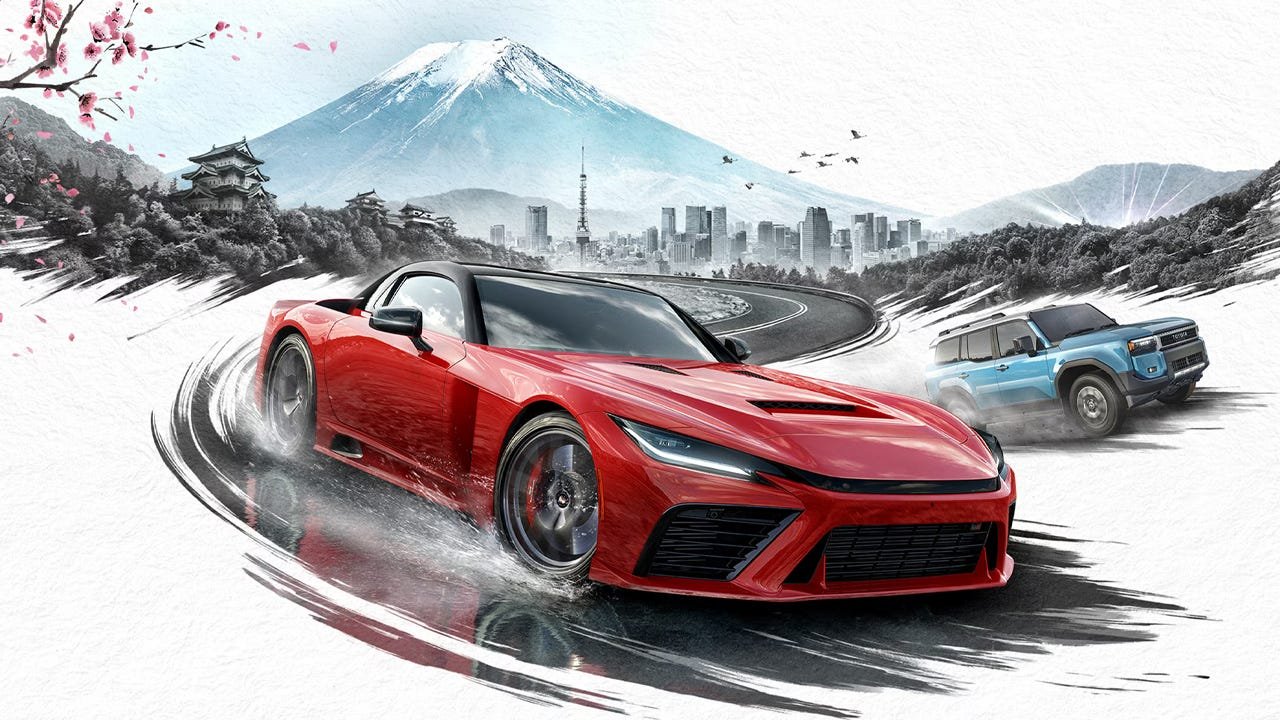
This just changes the quality and quantity of particles that are flung up when you’re driving around Japan. This can hurt performance a bit when you’re driving through puddles or mud, and you’re flinging debris everywhere. I’d leave it at high.
Mid-range PC: High
Handheld: Medium
Volumetric Fog Quality
There is a ton of fog in Forza Horizon 5, particularly when it’s raining. This was one of the first things I tried to turn down to save performance, especially because the built-in benchmark is, well, quite foggy. To my surprise, though, this didn’t really change performance at all. And, because it looks great, turn it up a bit!
Mid-range PC: Ultra
Handheld: Medium
Both Lens Effects and Motion Blur Quality are entirely aesthetic choices. Neither one is going to affect performance that much, so turn them up or down depending on your preference.
With all of the recommended settings, I was able to get my framerate up to 70 fps in the built-in benchmark, which is right where I wanted it. I did want to test it in the actual game, too, though, so I set a frame counter and just played the game normally for an hour.
And, let me tell you, Forza Horizon 6 runs like an absolute dream now. In the open world with these settings, the RTX 5070 sits around 90 fps most of the time, and only really dips to 70 fps in races with a lot of reflective puddles and particle effects. No matter what I tried, I could not get this mid-range GPU to drop below 60 fps, and that’s without any frame generation.
The RTX 5070 isn’t even marketed as a 4K graphics card, but at least in Forza Horizon 6, it doesn’t seem like the bar to get good performance at that resolution is very high.
Even on a handheld, Forza Horizon 6 runs pretty well. Really, my recommended settings are a mix of the medium and high presets, and when the Xbox Ally X is plugged in, I can get between 50-60 fps, sometimes even stretching up to 70. Then, when I unplug it and run the handheld on its lowest power settings, I’m still able to get around 30 fps, which is perfectly fine if you’re just trying to stretch some battery life out of the thing.
I went into Forza Horizon 6 expecting good performance out of it – after all, the system requirements are pretty modest. But I’m still surprised at just how well this game runs, even on low-end hardware. For how dire the PC hardware world is right now, at least there are some games that’ll run well on pretty much anything. That’s my silver lining right now.
Jackie Thomas is the Hardware and Buying Guides Editor at IGN and the PC components queen. You can follow her @Jackiecobra