When the Nvidia GeForce RTX 2080 Ti first came out in 2018, I was skeptical of ray tracing and DLSS. The first few games that used the tech, like Battlefield 1 and Shadow of the Tomb Raider, had fairly lackluster ray tracing implementations that didn’t look great and were just a way to nuke performance without getting much out of it. It wasn’t until Control came out in the summer of 2019 that it really started to click for me.
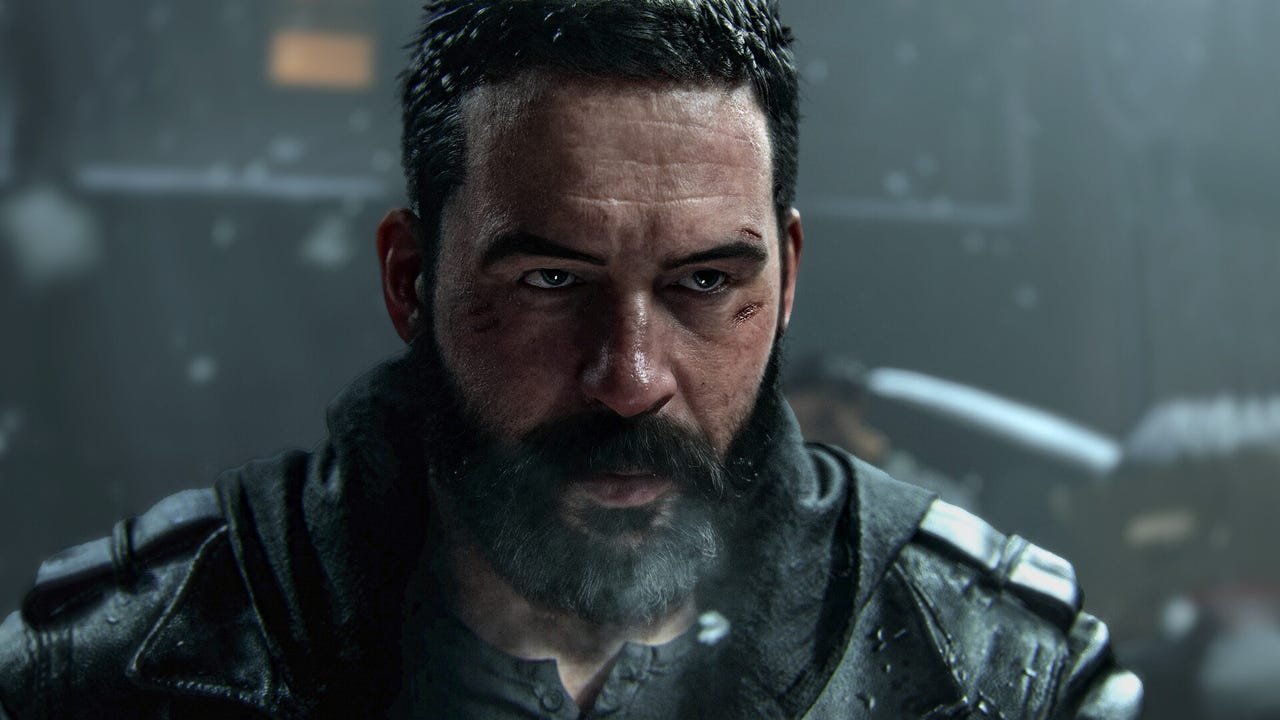
There was just something about the lighting solution for that game that made it look better than pretty much anything else out at the time, even if it wasn’t going for total realism. It’s no surprise then, that Control Resonant follows in the original game’s footsteps, and might just be one of the most beautiful games of the year because of it. But even with the incredible things Remedy was able to do with the visuals, Control Resonant is still one of the best optimized PC games of the year so far, and even runs reasonably well on the Xbox Ally X.
PC Port of the Year?
Remedy’s last game was certainly a technical masterpiece as well. Alan Wake 2 is still one of the most beautiful games I’ve ever seen, and there are parts of that game that look like I’m playing through a movie, especially on higher graphics settings. But at the same time, it’s not a game that’s known for running on less powerful PCs.
Control Resonant, though, dials back on some of the ultra realism of Alan Wake 2, and is able to scale much better to less powerful hardware. While the game definitely rewards high-end PCs with a stunning implementation of path tracing that really accentuates the game’s art style, it’s somehow even more impressive how good the game looks on a handheld.
When I downloaded the game on the Xbox Ally X, I honestly expected a mess after dealing with Halo: Campaign Evolved, Star Wars Zero Company, and to a lesser extent The Blood of Dawnwalker. But, as soon as I flipped on that handheld graphics preset and set FSR to quality, the game still looked great at 1080p, and I was able to get 40-45 fps in the first boss fight, even with all of the debris flying all over the place.

The game does drop to the mid-30s occasionally, but even when it does, it still feels smooth enough that I don’t feel like it’s causing me to be any worse at the game. I would prefer if it didn’t have these drops, of course, but at least it supports FSR frame generation, so I can fake 60+ fps, even if it comes at the expense of a bit of latency.
Control Resonant does make the Steam Deck show its age a bit, though. Even with the handheld preset, set to 720p and FSR set to balanced, Valve’s four-and-a-half year old handheld struggles to stay above 25 fps. You can absolutely play the game like that if you want, but I wouldn’t really recommend it.
Of course, if you do have more powerful hardware, the game runs extremely well on a full desktop system too. Remedy’s official PC system requirements list the RTX 4070 Ti as its recommended GPU for playing the game at the medium preset, with ray tracing set to medium, expecting to get 60 fps. And, if anything it underestimated how well it runs.
I installed an RTX 4070 Ti Super and set the game to 1440p with the medium preset with ray tracing at medium, along with DLSS set to balanced. At those settings, Control Resonant averaged 111 fps, with a 1% low of 81 fps – far above Remedy’s quoted 60 fps for those settings. Granted, I did test with an RTX 4070 Ti Super, which is around 10-15% faster than the recommended 4070 Ti. But even if you lopped off 15% of the frames there, it would still average 94 fps, which is better than Remedy’s official system requirements suggest.

There’s so much room to pump up the details, too. I wanted to see what would happen if I maxed out the game at 1440p with the same DLSS settings, and even at the Ultra preset with path tracing, the game averaged 70 fps with a 1% low of 58 fps. Again, if you take away 15% of the performance to account for the difference between the 4070 Ti Super and the 4070 Ti, you’re still looking at around 60 fps. And that’s all without even touching frame generation.
With frame generation enabled, the RTX 4070 Ti’s frame rate jumps to 118 fps, although the pre-frame-gen number drops down to 60. Still, that is more than enough for Control Resonant to feel responsive, while also delivering an incredibly smooth frame rate for a high-refresh gaming monitor. Usually, turning on frame gen would come with more latency than having it off, but for some reason, Remedy doesn’t include the option to turn on Nvidia reflex indepently from frame interpolation, so you actually end up with less latency with it enabled.
With how good the lighting is in Control Resonant, I probably would have come away happy if the game ran a lot worse than it does. The fact that it scales so well while looking as good as it does makes it one of the best PC ports of the year so far. If you have a halfway decent gaming PC lying around and you’re planning on playing Resonant anyways, I’d recommend picking it up on Steam in a heartbeat.

Jacqueline Thomas
Senior Tech Editor
Jackie Thomas is the Senior Tech Editor at IGN and the PC components queen. She’s been covering gaming hardware for more than a decade for IGN, TechRadar, Gizmodo, PC Gamer and more. You can follow her @Jackiecobra